Get in touch with AQUA Company

ARW-1050 / ARW-1040 · PLANNING TOOLS
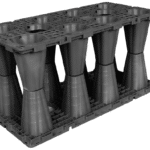
Rainwater Module Layout & BOM
Draw a rectangular module layout and review capacity, wrapping materials and a preliminary bill of materials.
01 Route & model02 Layout & dimensions03 BOM & enquiryResults update instantly
2D module layout
Layout area—
Nominal storage—
Whole modules—
Drag a rectangle and release to confirm. Overlapping areas count once.
Plan envelope—
Exposed perimeter—
Module height—
Product planning referenceProduct geometry and preliminary quantities. Hydraulic sizing, infiltration suitability and installed loading require project design inputs.
Confirmed assembly-count basis
10 caps per top-layer module; caps use no clips. Small clips count top-surface shared joints. Large clips use those same shared positions on each intermediate plane. No extra outer-edge clips are counted.
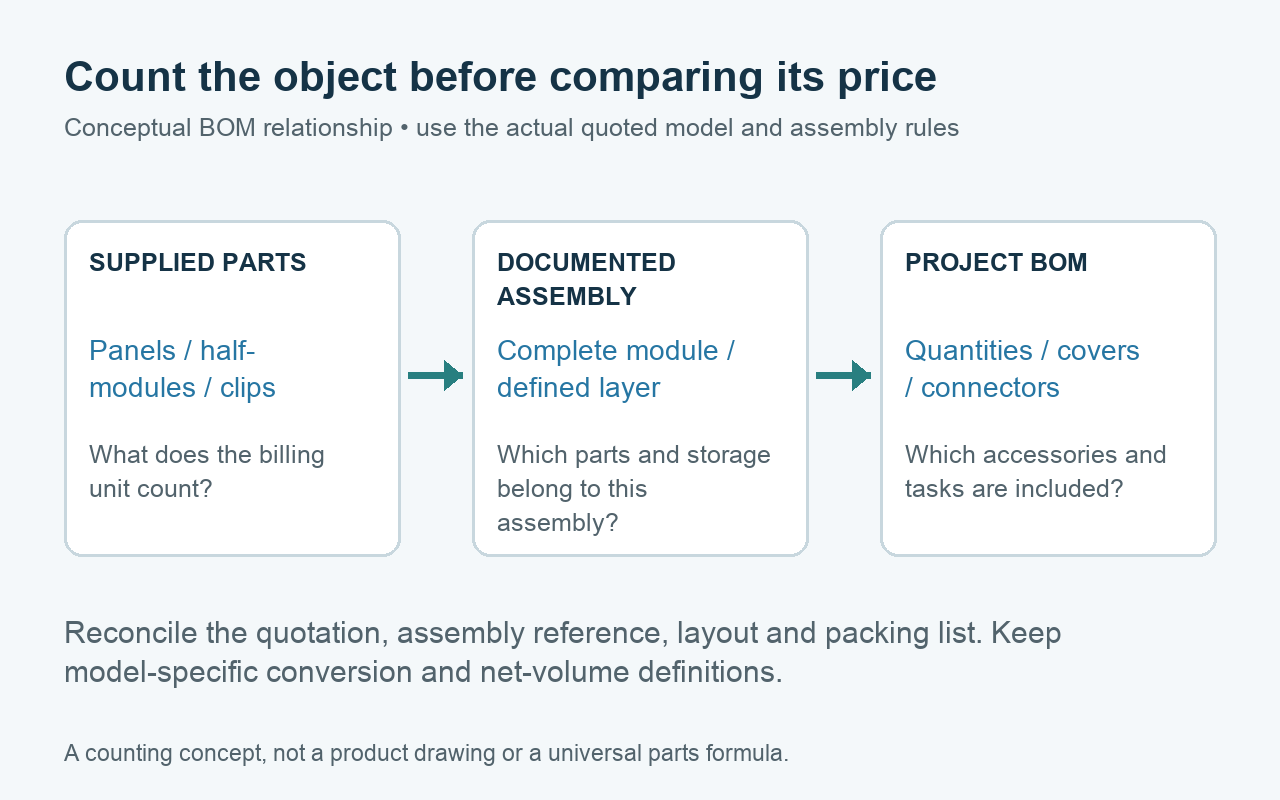
Only shared module interfaces consume clips in this count.
USING YOUR LAYOUT RESULT
From drawn footprint to an installed materials reference.
01
Bring a target or site size
Start with a project-defined storage volume or known footprint. This tool does not calculate runoff or infiltration design volume.
02
Draw the module arrangement
Add and subtract rectangles, select ARW-1050 or ARW-1040, the layers and the lined or infiltration route.
03
Take the result forward
Review installed units, shared clips, caps, side panels, wrap quantities and a rectangular excavation reference. Export the BOM or continue to a supply brief.
Pipe and access accessories follow the project schedule. The site engineer reviews hydraulic, structural and ground conditions before construction.